
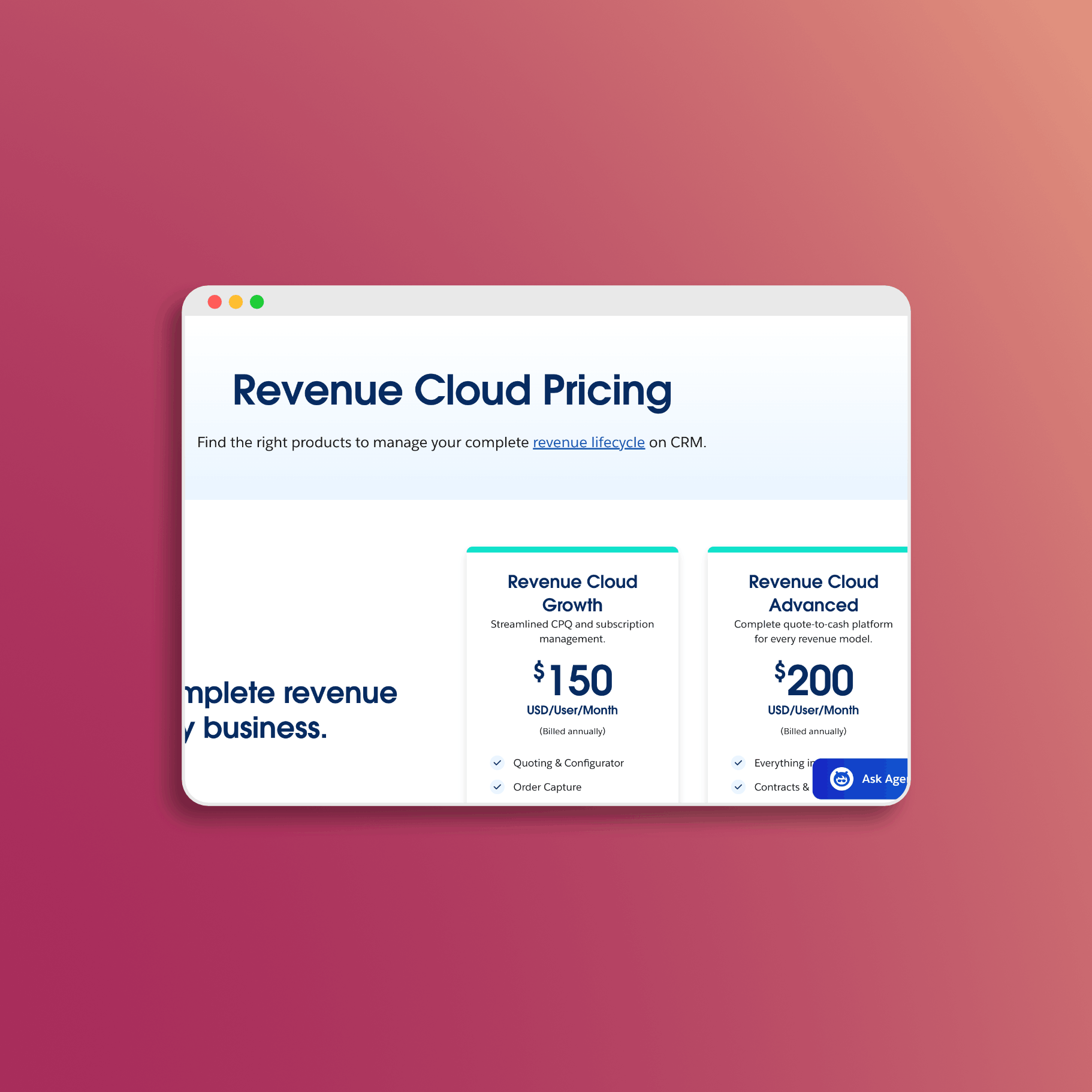
Salesforce Revenue Cloud Pricing Breakdown
Revenue Cloud pricing is straightforward once you understand the structure. Salesforce publishes base pricing on their website, and the licensing model is designed to scale with your business. In this guide, I’ll break down the editions, what’s included, and how to think about your investment.
Published Pricing
Salesforce publishes Revenue Cloud pricing on their Revenue Lifecycle Management pricing page. There are two main editions:
| Edition | Price | Billed |
|---|---|---|
| Revenue Cloud Growth | $150/user/month | Annually |
| Revenue Cloud Advanced | $200/user/month | Annually |
Prerequisite: Revenue Cloud requires Sales Cloud, Service Cloud, or a CRM license as a foundation.
What’s Included in Each Edition
Revenue Cloud Growth ($150/user/month)
The Growth edition covers core quote-to-cash functionality:
- Catalog & Product Definition - Product catalog management
- Quoting & Configurator - CPQ functionality for creating and configuring quotes
- Order Capture - Convert quotes to orders
- Subscriptions - Subscription and recurring revenue management
- Pricing Engine - Supports fixed, tiered, volume, matrix, and usage-based pricing
- Revenue Events - Included consumption-based allocation (see below)
Revenue Cloud Advanced ($200/user/month)
The Advanced edition adds capabilities for complex revenue operations:
Everything in Growth, plus:
- Contracts & Orders - Full contract lifecycle management
- Consumption & Invoicing - Usage-based billing and invoice generation
- AI & Analytics - Agentforce for Revenue and advanced analytics
- Dynamic Deal Management - Complex deal structuring
For most organizations moving from CPQ, Advanced is the comparable edition since it includes the billing and contract capabilities that were separate add-ons in the CPQ world.
Revenue Events (Consumption-Based Pricing)
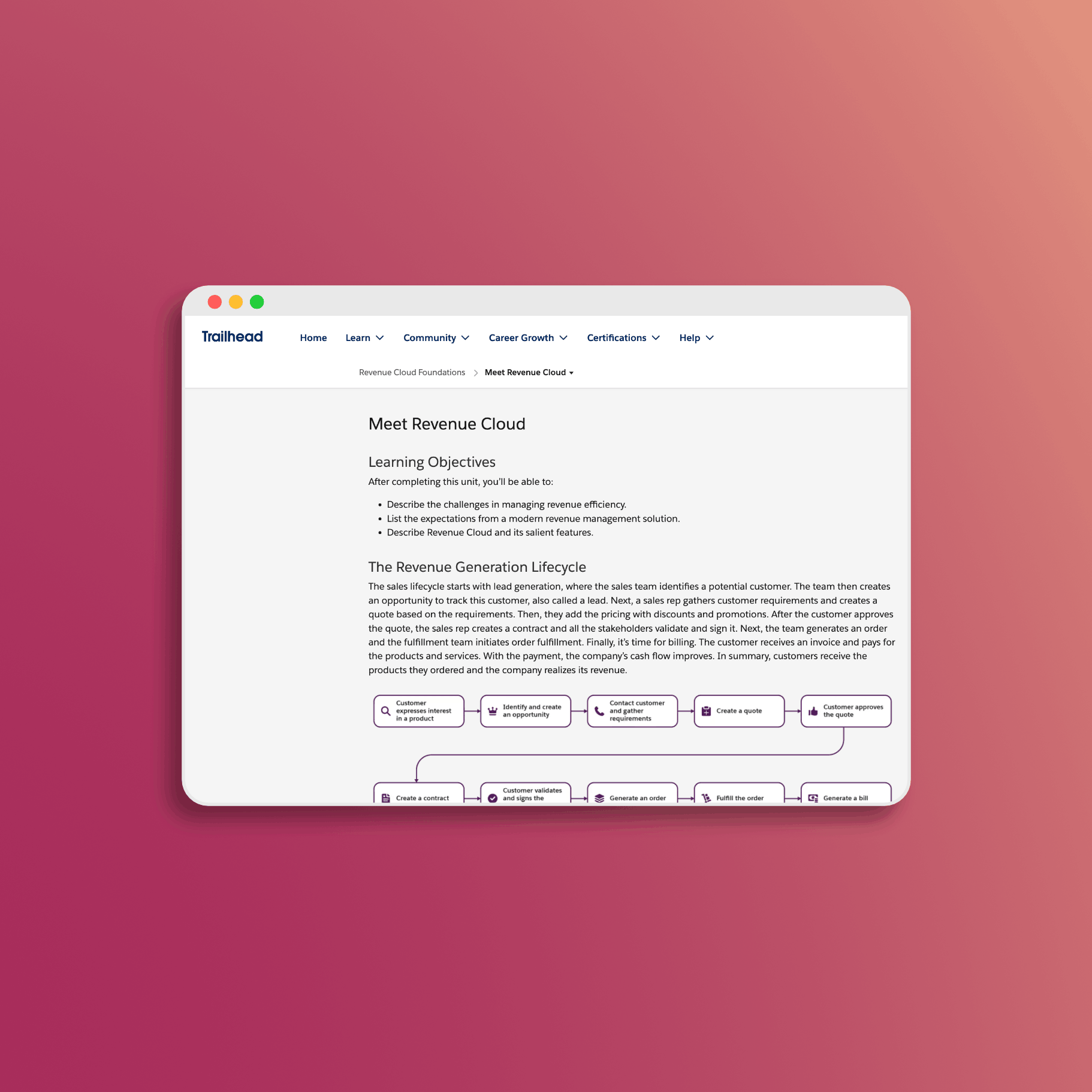
Revenue Cloud includes a consumption-based component called Revenue Events. This is documented in Salesforce’s consumption-based products overview on Trailhead.
How Revenue Events Work:
- Each user license includes a defined number of Revenue Events per month
- Events can be pooled and shared across your organization
- Additional events can be purchased if you exceed your allocation
- Events are consumed when non-quoting users access Revenue Cloud functionality
Who Benefits from Revenue Events:
Revenue Events are designed for organizations where not everyone needs a full quoting license. For example:
- Customer self-service portals where buyers configure products
- Partner users who need limited access
- Operations teams who view but don’t create quotes
This model lets you extend Revenue Cloud access without purchasing full licenses for every user who touches the system.
Available Add-Ons
Salesforce offers additional capabilities that can be added to your Revenue Cloud license. These are listed on the Revenue Cloud pricing page:
Invoicing Engine & Document Production
- Automatic invoice creation and updating
- Traceability from quotes through orders to invoices
- Document generation and production
Accounting Subledger
- Automatic journal entry creation aligned with your chart of accounts
- Revenue, taxes, credits, and liabilities tracking
- Period close support
- Audit-ready financial reporting
Usage Rating & Digital Wallet
- Advanced consumption models (prepaid, virtual currency, rollover)
- Full visibility into usage-based charges
- Helps reduce billing surprises for customers
For specific add-on pricing, contact your Salesforce Account Executive - these are quoted based on your specific requirements.
Who Needs Licenses
Understanding who needs a license helps you right-size your investment:
Full Revenue Cloud License Required:
- Sales representatives creating and managing quotes
- Sales managers approving deals
- Product managers maintaining the catalog
- System administrators managing the Revenue Cloud environment
May Use Revenue Events Instead:
- Users who view quotes but don’t create them
- Partner or customer portal users
- Operations staff with limited interaction
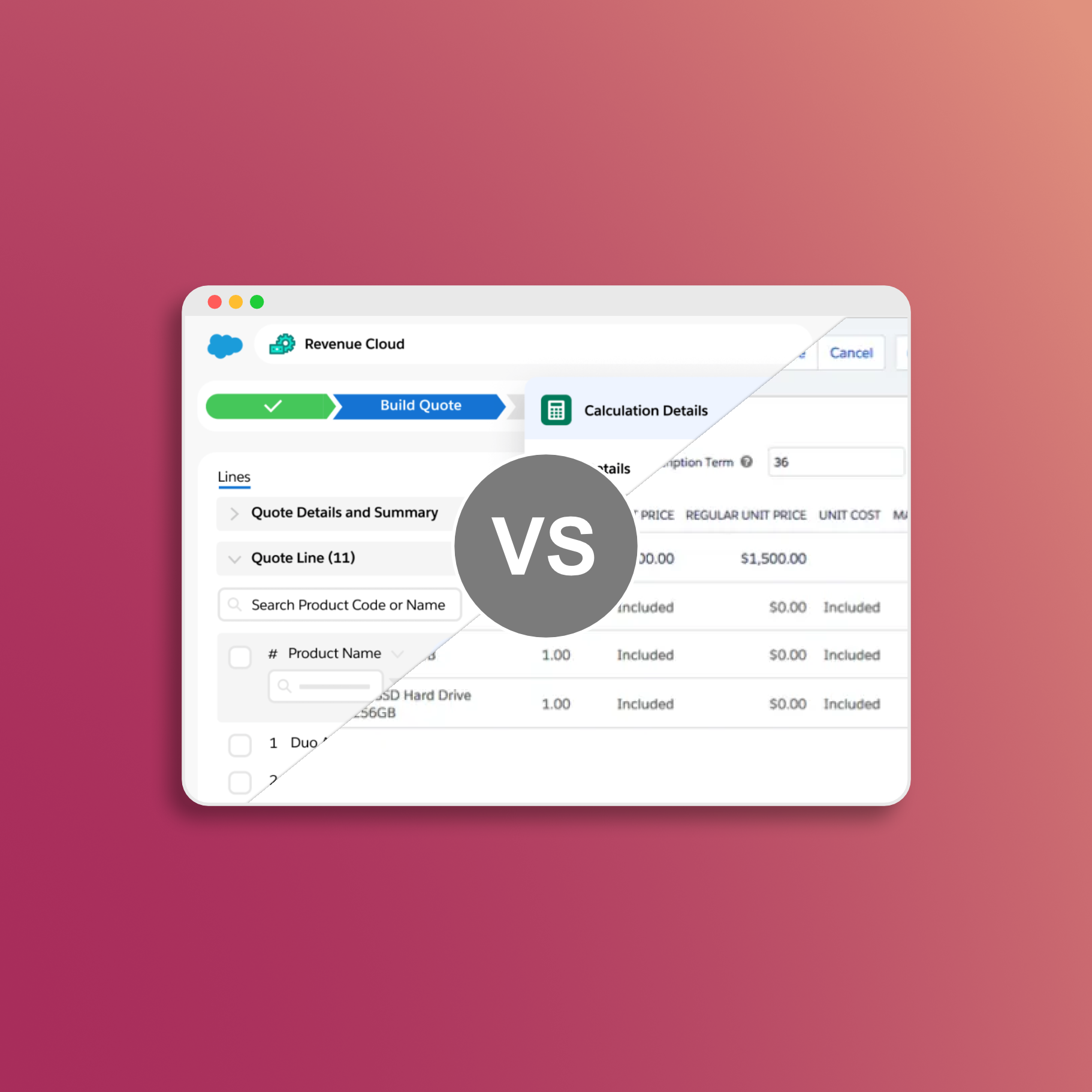
Comparing to Legacy CPQ
If you’re coming from Salesforce CPQ, here’s how the pricing compares:
| Solution | Base License | With Billing | With CLM |
|---|---|---|---|
| Legacy CPQ | $75-150/user/month | + $75/user/month | + Additional |
| Revenue Cloud Advanced | $200/user/month | Included | Included |
For organizations that needed CPQ + Billing + CLM, Revenue Cloud Advanced often comes out comparable or better on total cost - and you get a unified platform instead of multiple integrated products.
Factors That Affect Your Final Price
While base pricing is published, your actual contract price depends on several factors:
Volume Discounts
- Larger license counts typically qualify for discounts
- Multi-year commitments (2-3 years) improve pricing
- Bundling with other Salesforce products can reduce overall cost
Your Existing Relationship
- Current Salesforce spend influences negotiating leverage
- Expansion deals may receive preferential pricing
- Strategic accounts have additional flexibility
Timing
- End of quarter and fiscal year often present better opportunities
- Net-new customers may see different pricing than renewals
Planning Your Investment
What to Budget For
Beyond license fees, plan for implementation and adoption:
- Implementation Partner - Most organizations work with a Salesforce partner for initial setup
- Training - User adoption is critical for ROI
- Integration - Connecting Revenue Cloud to your existing systems
- Ongoing Administration - Internal resources to maintain the platform
The good news: Revenue Cloud’s modern architecture often means faster implementations than legacy CPQ, and the unified platform reduces long-term integration complexity.
ROI Considerations
Revenue Cloud investments typically pay back through:
- Faster Quote Cycles - Guided selling and automation reduce time-to-quote
- Pricing Accuracy - Fewer errors mean less margin leakage
- Subscription Management - Better visibility into renewals and expansion opportunities
- Reduced Integration Costs - One platform vs. multiple point solutions
Getting Started
- Review the pricing page: Revenue Lifecycle Management Pricing
- Explore on Trailhead: Revenue Cloud learning trails
- Contact your Account Executive: For a formal quote based on your specific requirements
- Request a demo: See the platform in action with your use cases
Resources
Official Salesforce documentation and pricing:
- Revenue Lifecycle Management Pricing - Official pricing page
- What Is Revenue Cloud? - Product overview
- Revenue Cloud Billing - Billing capabilities
- Consumption-Based Products Overview - Trailhead module on Revenue Events
- Price Management with Revenue Cloud - Trailhead pricing module
- Revenue Cloud Permission Sets - License and permission documentation
Conclusion
Revenue Cloud pricing is transparent at the base level: $150/user/month for Growth, $200/user/month for Advanced. The consumption-based Revenue Events model provides flexibility for extending access beyond your core quoting team.
For organizations evaluating Revenue Cloud, start with the published pricing to build your initial business case, then work with your Account Executive to get a formal quote that reflects your specific volume and requirements.
Revenue Cloud has the pricing engine. What it's missing: professional PDF templates, hosted quote links, and buyer acceptance tracking. SilkQuote closes that gap. Free on AppExchange, no code required:
- Generate - branded PDF quotes from any Opportunity in one click
- Host and share - prospects accept or decline directly in a browser, no Salesforce account needed
- Track - every open, view, acceptance, and decline logged to the Opportunity timeline
- Sign - DocuSign and Adobe Sign integration included
Free to install. Unlimited users and quotes. Deploys same day.
Get SilkQuote free on AppExchange →