
Revenue Cloud Trial Limitations
I get a lot of questions about what you can actually do in a Revenue Cloud trial. The short answer: quite a bit, but with some important caveats. In this guide, I’ll walk you through what’s available, what’s limited, and how to make the most of your evaluation time.
Accessing Revenue Cloud for Free
Currently, there are several ways to access Revenue Cloud without a full license:
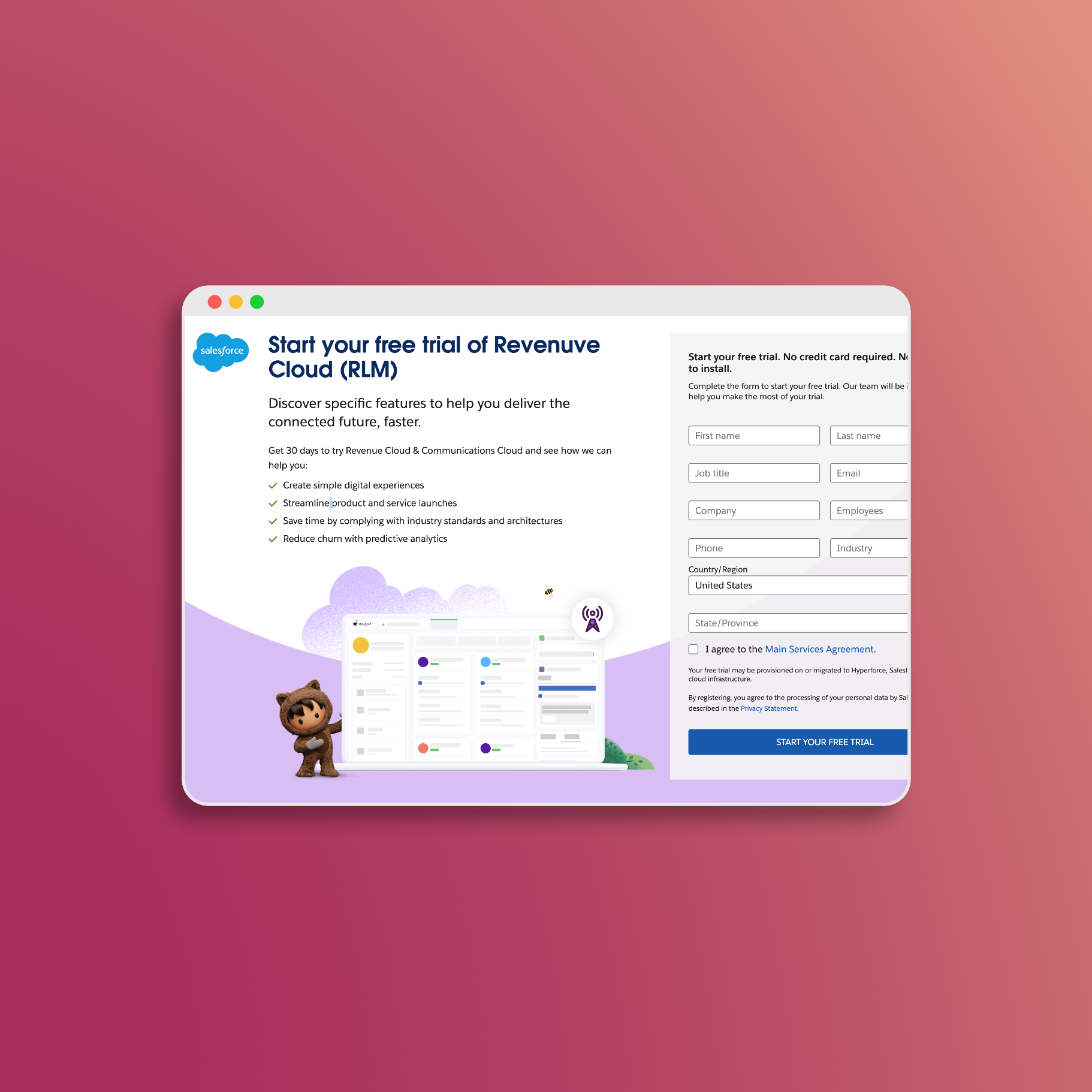
1. Communications Cloud Trial
The most common path to Revenue Cloud access:
- Sign up for a Salesforce Communications Cloud trial
- Enable Revenue Cloud features within the trial org
- Full access to most Revenue Cloud capabilities
Duration: 30 days (extensions may be available through Salesforce sales)
2. Promo Edition Org
A free option for learning, but with important caveats:
- Sign up at developer.salesforce.com
- Enterprise Edition-like features
- Limited storage but sufficient for learning
Important: Salesforce states that Promo Edition orgs may expire or become unavailable without notice. Treat these as throwaway environments - don’t rely on them for long-term work or store anything you can’t recreate. They’re great for experimentation, but export your configurations regularly.
3. Partner Demo Orgs (SDO)
For Salesforce partners:
- Pre-configured demo environments
- Access through Partner Learning Camp
- Comes with sample data and configurations
What You CAN Do in a Trial
Full Configuration Capabilities
Trial orgs provide complete access to Revenue Cloud configuration:
- Product Catalog Management: Create catalogs, categories, and products
- Bundle Configuration: Build complex product bundles with options and features
- Pricing Setup: Configure pricing procedures and waterfall logic
- Attribute Management: Define and manage product attributes
Quote-to-Cash Processes
You can run through complete scenarios:
- Create Opportunities and Quotes
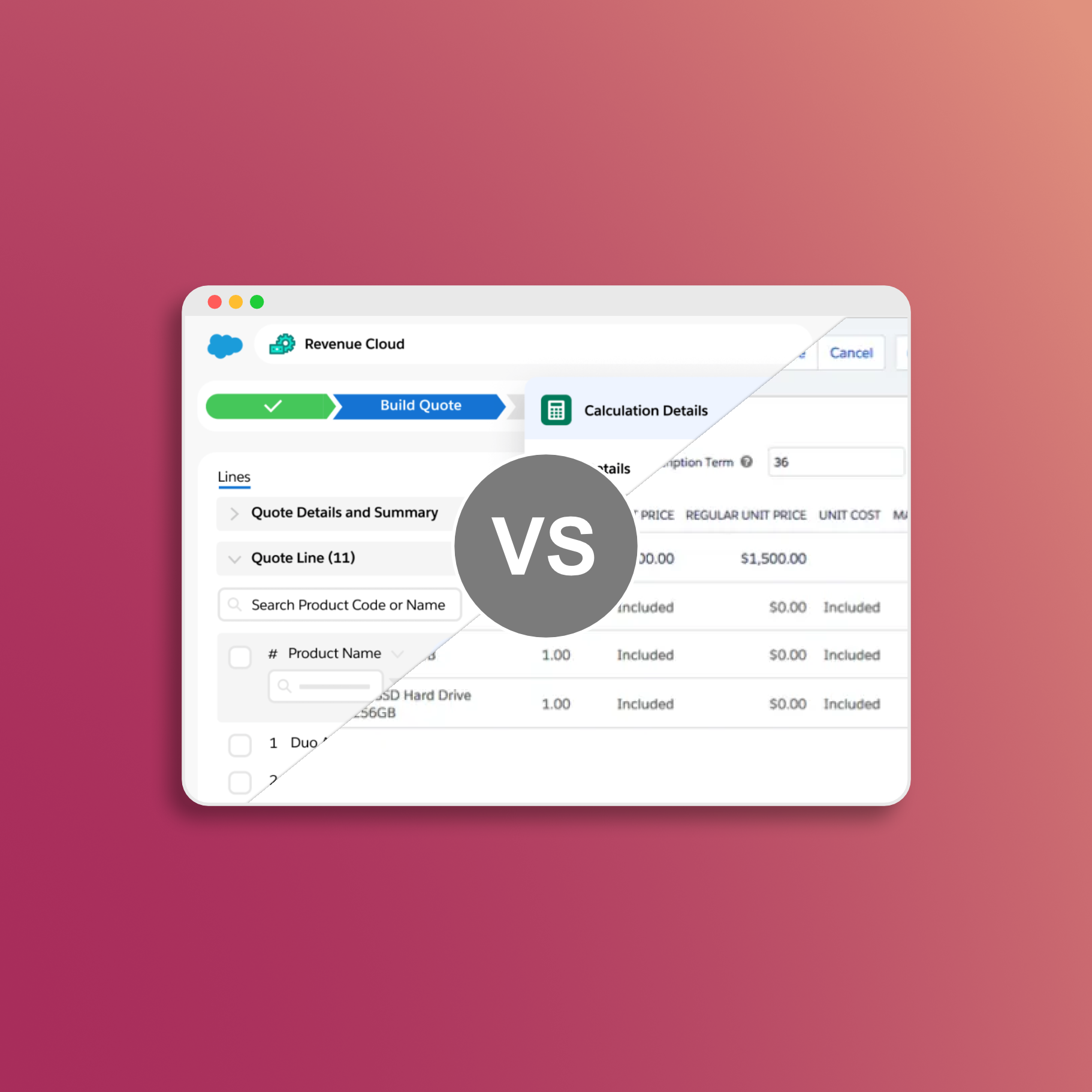
- Configure products with the Product Configurator
- Apply pricing and discounts
- Generate quote documents
- Convert quotes to orders
Pricing Procedures
Full access to pricing configuration:
- Design pricing procedures with drag-and-drop interface
- Configure pricing waterfall steps
- Simulate pricing logic before activation
- Test discount rules and volume pricing
Integration Testing (Limited)
Basic integration capabilities:
- API access for testing integrations
- Connected App creation
- REST API calls for product and quote data
User Experience
Experience the full Revenue Cloud interface:
- Product Catalog Management app
- Quote creation workflows
- Document generation
- Approval processes (if configured)
What You CAN’T Do (or Have Limitations)
Storage Limits
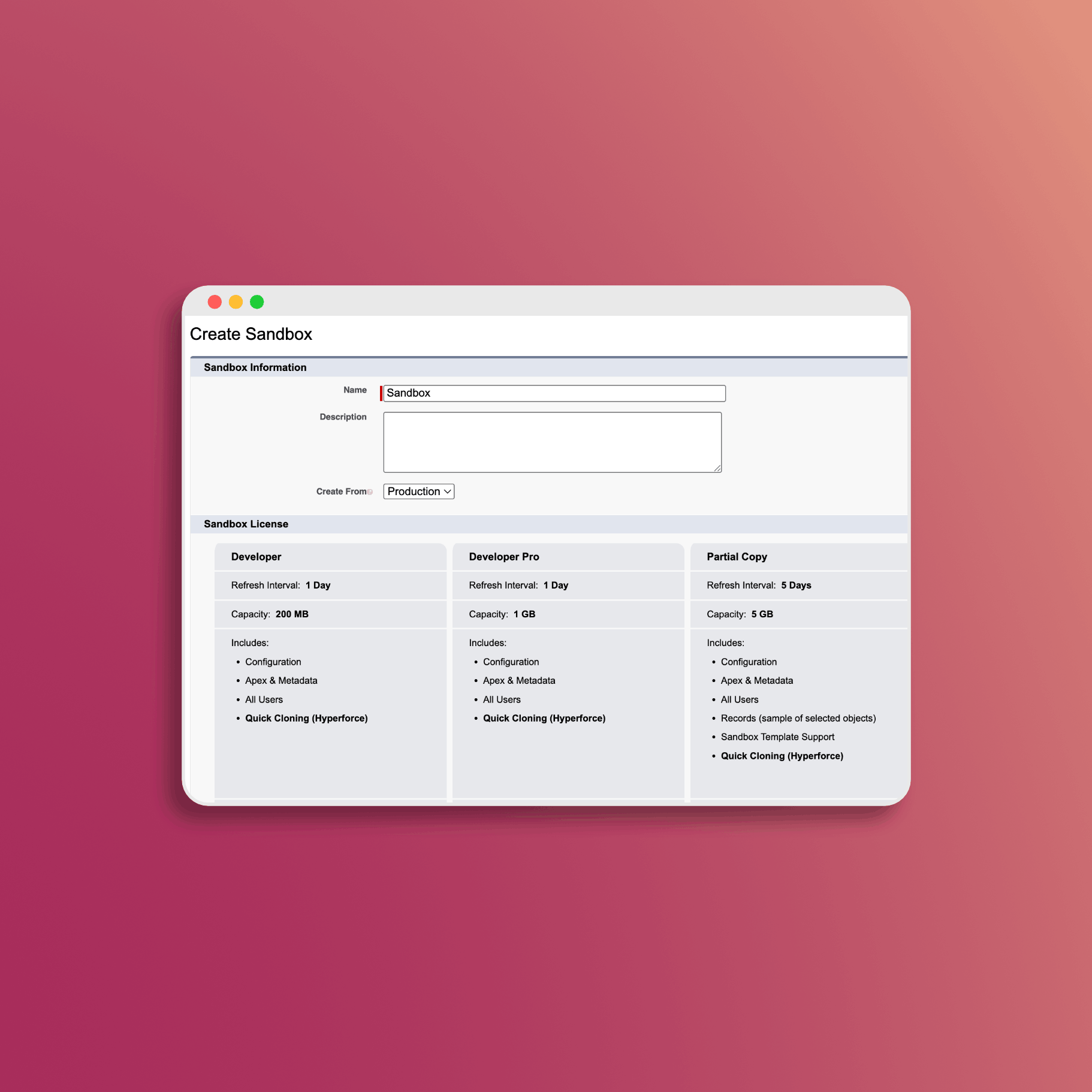
Promo Edition orgs have limited storage (see official limits):
| Environment | Data Storage | File Storage |
|---|---|---|
| Trial (30-day) | Limited | Limited |
| Promo Edition | 5 MB data | 20 MB files |
Impact: You cannot test with production-level data volumes. Don’t use trial environments for performance testing - the results won’t be meaningful.
Time Constraints
- 30-Day Trial: Expires and requires re-registration
- No Automatic Extension: Must contact Salesforce for extensions
- Work Lost on Expiration: All configurations disappear when trial ends
Advanced Features
Some features may be limited or unavailable:
- Advanced Billing: Full billing capabilities may require specific licenses
- Complex Integrations: Enterprise integration patterns difficult to test
- Production-Scale Testing: Cannot validate performance at scale
License-Specific Features
Certain capabilities require specific licenses not included in trials:
- Some advanced CLM (Contract Lifecycle Management) features
- Specific industry cloud capabilities
- Advanced fulfillment orchestration features
Integration Limitations
- Sandbox-specific endpoints required
- Some third-party integrations may not work in trial
- API call limits may be restrictive
- Cannot test production integration scenarios
Maximizing Your Trial
Foundation
Focus on core setup:
- Enable all Revenue Cloud settings
- Assign permission sets
- Create a basic product catalog
- Set up simple pricing
Configuration
Build out your use cases:
- Create product bundles matching your real products
- Configure pricing procedures for your scenarios
- Build sample quotes
- Test document generation
Process Testing
Validate end-to-end flows:
- Run through complete quote-to-order scenarios
- Test approval workflows
- Validate pricing calculations
- Explore reporting capabilities
Evaluation
Document findings and decisions:
- Compare to current state/requirements
- Note gaps or limitations
- Estimate implementation effort
- Prepare business case
Recent Feature Updates
Revenue Cloud continues to evolve with each release. Check the Salesforce Release Notes for the latest updates. Some notable improvements that have addressed previous trial limitations:
- Cloning quote lines and groups (parity with CPQ)
- Ramp Deals for Groups
- Usage-based pricing support
Getting Extended Access
If 30 days isn’t enough:
Request Extension Through Salesforce
- Contact your Salesforce Account Executive
- Explain your evaluation timeline and needs
- Extensions are often available for serious prospects
Use Promo Edition for Learning
For skill development (with caveats):
- Promo Edition orgs can expire or break without warning
- Treat them as disposable - export configurations you want to keep
- Great for experimentation, not for storing important work
- Create a new one if your current org becomes unavailable
Partner Access
If you’re a Salesforce partner:
- Access Industries Training Playgrounds
- Use Partner Learning Camp resources
- Request demo org access through partner programs
Trial vs. Production Differences
Be aware that trial environments differ from production:
| Aspect | Trial | Production |
|---|---|---|
| Storage | Very limited | Based on licenses |
| API Limits | Restricted | Higher limits |
| Performance | Not representative | Optimized |
| Support | Limited | Full support |
| Integrations | Basic testing only | Full capability |
Documenting Your Trial Experience
Create a structured evaluation:
Configuration Checklist
- Product Catalog setup
- Pricing procedure configuration
- Bundle creation
- Quote generation
- Document templates
- Approval workflows
Gap Analysis
Document what you couldn’t fully evaluate:
- Features requiring specific licenses
- Performance at scale
- Complex integration scenarios
- Advanced billing capabilities
Decision Criteria
Rate Revenue Cloud against your requirements:
- Must-have features: Available? Working?
- Nice-to-have features: Present? Functional?
- Integration needs: Testable in trial?
Resources
Here are the official Salesforce resources for trial and Promo Edition orgs:
- Promo Edition Signup - Get a free, permanent Promo Edition org
- Salesforce Storage Limits - Official storage allocations
- Revenue Cloud on Trailhead - Learning resources
- Salesforce Release Notes - Latest feature updates
Conclusion
Trial environments give you enough to make an informed decision about Revenue Cloud. The main constraints are storage and time - you won’t be able to test at production scale or evaluate long-term performance.
My advice: go in with a structured plan, focus on your most critical use cases first, and document everything. If you need more time, ask your Account Executive for an extension. For ongoing learning, Promo Edition orgs are available but remember they can expire without notice - treat them as throwaway environments.
For a step-by-step guide to setting up your trial org, see our Revenue Cloud Trial Setup Guide.
Revenue Cloud has the pricing engine. What it's missing: professional PDF templates, hosted quote links, and buyer acceptance tracking. SilkQuote closes that gap. Free on AppExchange, no code required:
- Generate - branded PDF quotes from any Opportunity in one click
- Host and share - prospects accept or decline directly in a browser, no Salesforce account needed
- Track - every open, view, acceptance, and decline logged to the Opportunity timeline
- Sign - DocuSign and Adobe Sign integration included
Free to install. Unlimited users and quotes. Deploys same day.
Get SilkQuote free on AppExchange →