
Quote-to-Cash Software for Salesforce Revenue Cloud Teams
Quote-to-cash (Q2C) describes the end-to-end revenue process from initial product configuration through cash collected. For teams on Salesforce Revenue Cloud, most of the Q2C workflow is handled natively - but knowing exactly where Revenue Cloud’s coverage starts and stops saves you from building the wrong thing.
The Q2C Stages
| Stage | What happens |
|---|---|
| Configure | Sales rep selects products, options, and quantities |
| Price | System applies pricing rules, discounts, and adjustments |
| Quote | Generate a customer-facing quote document |
| Negotiate/Approve | Route for internal approval; redline with customer |
| Order | Convert accepted quote to an order |
| Fulfill | Orchestrate delivery across internal and external systems |
| Invoice/Bill | Generate invoices; handle usage-based charges |
| Collect | Payment collection; handle dunning and exceptions |
| Recognize Revenue | Allocate recognized revenue per ASC 606 / IFRS 15 |
Revenue Cloud has strong native coverage for most of these stages. Let’s go through where it’s strong and where you’ll need to add something.
Configure
Revenue Cloud coverage: Strong.
The product configurator in Revenue Cloud handles bundles, options, cardinality rules, and attribute-based configuration. Product Data Managers use a drag-and-drop interface to build the catalog. Real-time price visibility in the configurator is a significant improvement over legacy CPQ.
Developers can extend configuration logic via Apex, custom LWCs, or the Revenue Cloud API. See the product configurator guide for detail.
Price
Revenue Cloud coverage: Strong.
The pricing waterfall in Revenue Cloud is composable - you build price rules (Price Adjustments, Price Schedules, Attribute-Based Pricing) and the system evaluates them in sequence. The waterfall testing tool lets you simulate pricing scenarios before deploying to production.
For usage-based pricing specifically, Revenue Cloud handles usage events and rollups natively. See the usage-based selling guide for setup.
Quote
Revenue Cloud coverage: Partial - most teams add a quoting layer.
This is the stage where Revenue Cloud’s native offering is thinnest. Revenue Cloud handles the pricing and configuration - but generating a polished customer-facing quote document (PDF with your branding, line items, terms, signature block) requires either custom development or an add-on.
Legacy CPQ had pre-built quote templates and DocuSign integration from day one. Revenue Cloud doesn’t ship with an equivalent out of the box.
Revenue Cloud has the pricing engine. What it's missing: professional PDF templates, hosted quote links, and buyer acceptance tracking. SilkQuote closes that gap. Free on AppExchange, no code required:
- Generate - branded PDF quotes from any Opportunity in one click
- Host and share - prospects accept or decline directly in a browser, no Salesforce account needed
- Track - every open, view, acceptance, and decline logged to the Opportunity timeline
- Sign - DocuSign and Adobe Sign integration included
Free to install. Unlimited users and quotes. Deploys same day.
Get SilkQuote free on AppExchange →Negotiate / Approve
Revenue Cloud coverage: Good.
Approval workflows are configured via standard Salesforce Approval Processes. Contract Lifecycle Management (CLM) handles document negotiation and redlining. See the Salesforce CLM guide for detail on enabling and configuring CLM.
Order
Revenue Cloud coverage: Strong.
Revenue Cloud’s order management converts quotes to orders and supports amendments, renewals, and cancellations on active assets. The asset-based ordering model handles mid-cycle changes cleanly - an area where legacy CPQ often required custom workarounds.
Fulfill
Revenue Cloud coverage: Strong for complex scenarios.
Dynamic Revenue Orchestration (DRO) decomposes orders into fulfillment SKUs and coordinates across ERP and external systems. Most relevant for companies with physical product + service combinations or multi-system delivery. See the Revenue Cloud data model for how orders connect to fulfillment.
Invoice / Bill
Revenue Cloud coverage: Strong.
Revenue Cloud’s integrated billing handles one-time charges, recurring subscriptions, usage-based billing, and milestone billing. The billing setup guide covers the configuration steps.
Collect / Revenue Recognition
Revenue Cloud coverage: Partial.
Payment collection integrates with Salesforce Billing but typically connects to a payment processor (Stripe, Adyen, etc.) via the API or a pre-built connector. Revenue recognition (ASC 606 compliance) is partially handled - most enterprise teams still connect to a dedicated revenue management system (Zuora Revenue, NetSuite ARM) for the full recognition calculation.
The Q2C Software Stack for Revenue Cloud Teams
A practical Revenue Cloud Q2C stack looks like this:
| Stage | Tool |
|---|---|
| Configure / Price | Revenue Cloud (native) |
| Quote documents | SilkQuote (free) or Conga |
| CLM / Approvals | Revenue Cloud CLM (native) |
| Order / Fulfill | Revenue Cloud (native) |
| Billing | Revenue Cloud Billing (native) |
| Payment collection | Stripe / payment processor via API |
| Revenue recognition | RevCloud + external RevRec system |
Next Steps
- Free Revenue Cloud trial - configure your own Q2C environment
- Salesforce CLM in Revenue Cloud - deep dive on the negotiate/approve stage
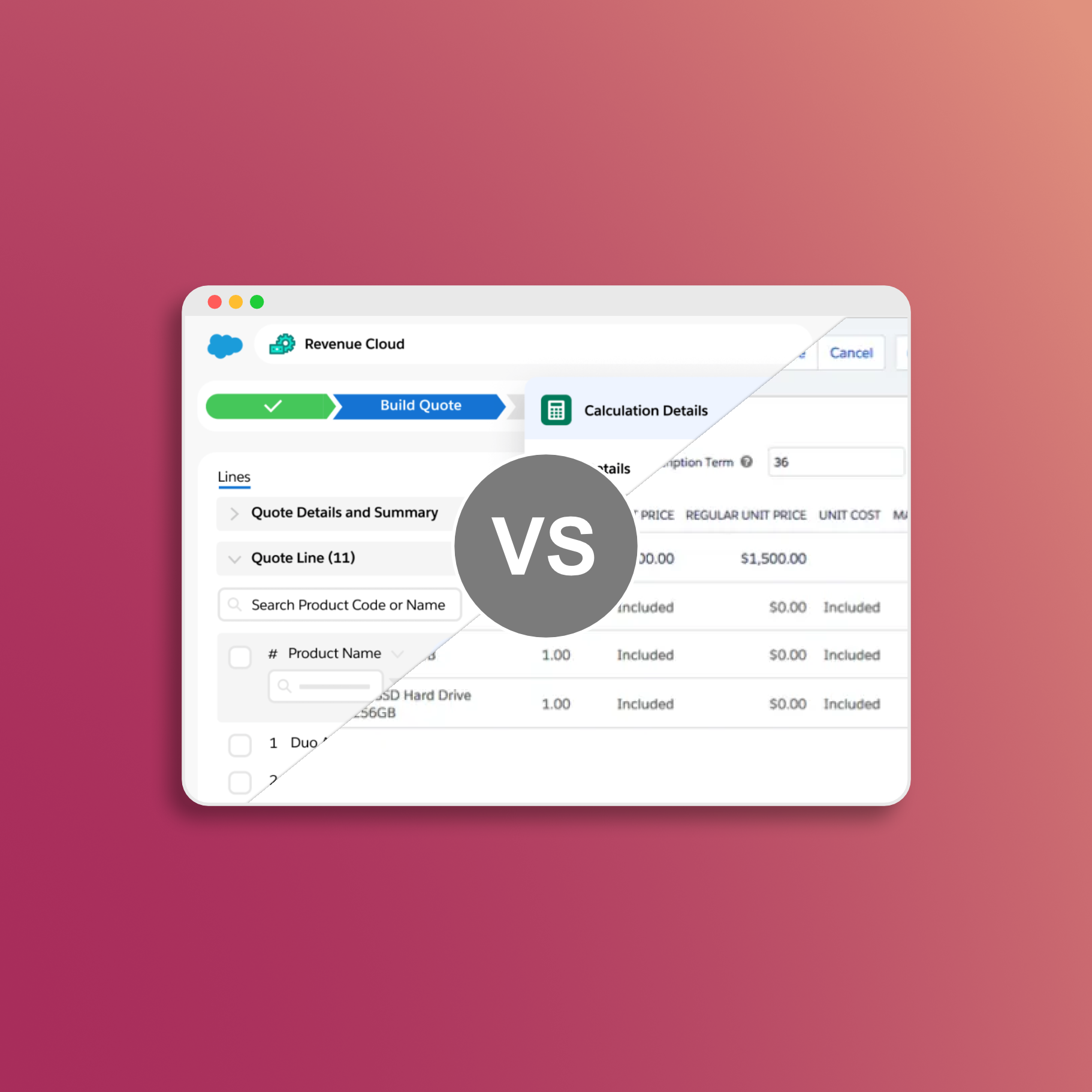
- Comparing Salesforce CPQ and Revenue Cloud - understand the migration trade-offs