
Salesforce Contract Lifecycle Management in Revenue Cloud
Contract Lifecycle Management (CLM) in Salesforce Revenue Cloud handles the full journey from initial contract creation through execution, renewal, and termination. It’s one of the first features you enable when setting up a Revenue Cloud org - and understanding how it fits into the broader Revenue Cloud data model is key to building correctly.
What CLM Covers
Salesforce CLM in the Revenue Cloud context manages:
- Contract templates - define document structure, merge fields, and clause libraries
- Approval workflows - route contracts through legal, finance, or exec sign-off based on rules
- Electronic signature - native DocuSign and Salesforce-native signature flows
- Clause library - reusable, pre-approved contract language that can be inserted or substituted
- Version control - track redlines, amendments, and negotiated changes
- Contract status lifecycle - Draft → In Negotiation → Executed → Active → Expired/Renewed
Enabling CLM in Your Org
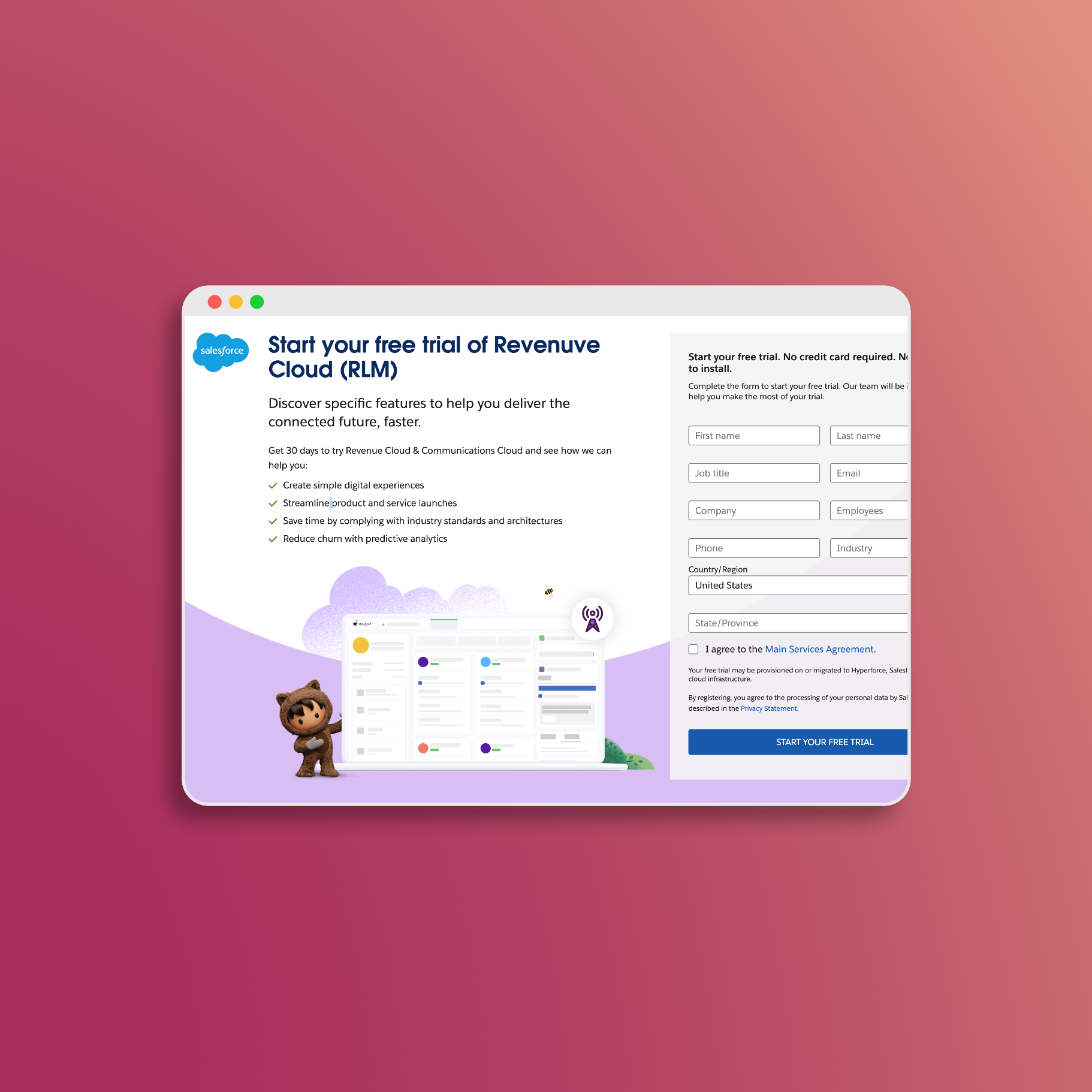
CLM requires several setup steps in Salesforce Setup. If you’re working in a trial org, these are covered in the free Revenue Cloud trial guide. The core settings to enable:
Setup → Contract Lifecycle Management → General Settings:
- Enable Salesforce Contracts
- Enable Customer Community Plus for Salesforce Contracts
- Enable Context Service for Salesforce Contracts
Setup → Document Generation → General Settings:
- Enable Salesforce Contracts Connector for Word (Microsoft 365)
- Enable Document Templates Export
- Enable Design Document Templates in Salesforce
Key Objects
| Object | Purpose |
|---|---|
Contract |
Standard Salesforce object - the master record for an agreement |
ContractLineItem |
Line-level detail on a contract (products, terms, pricing) |
DocumentTemplate |
The reusable template used to generate contract documents |
DocumentTemplateSection |
Sections within a template (e.g., cover page, terms, signature block) |
Clause |
Pre-approved contract language stored in the clause library |
ClauseVersion |
Tracks versions and approval status of individual clauses |
ContractDocumentVersion |
Represents a specific generated version of a contract document |
Template Configuration
Document templates in Revenue Cloud CLM are built in Salesforce’s template designer (enabled via the Design Document Templates in Salesforce setting). Templates pull in data from the Contract object and related objects via merge fields.
Basic template structure:
- Cover page with merge fields (
{!Contract.Name},{!Contract.AccountId.Name}, etc.) - Standard terms sections - pulled from the clause library
- Negotiated/custom terms sections - conditionally included based on deal type
- Signature block - connected to the e-signature flow
Merge fields support related object traversal. For example, to pull in line item data you’d reference {!ContractLineItem.Product2.Name} within a repeating section.
Approval Workflows
Contract approvals in Revenue Cloud use standard Salesforce Approval Processes plus the CLM-specific Context Service, which adds dynamic routing based on contract attributes.
A common approval configuration:
- Contracts over $100K in TCV → route to Finance VP for approval
- Contracts with non-standard terms → route to Legal team
- All executed contracts → notify Customer Success Manager
Approval process entry criteria are set using standard formula fields on the Contract object.
Tip for developers: The Context Service allows you to programmatically evaluate which approval route applies using Apex or Flow. This is more flexible than standard approval entry criteria and supports complex conditional routing.
Integration with Revenue Cloud Order Flow
CLM sits downstream of quoting and upstream of fulfillment in the Revenue Cloud order flow:
- Opportunity → configure and price products
- Quote/Order → generate contract from executed order
- CLM → draft, negotiate, execute contract
- Asset → contract execution creates/updates assets
- Billing → billing schedules tied to contract terms
Getting this handoff right - particularly from order to contract - is where most implementations require custom Flow or Apex to map fields correctly.
Next Steps
- Free Revenue Cloud trial setup - includes the CLM enable steps with direct org links
- Revenue Cloud data model - understand how Contract relates to other core objects
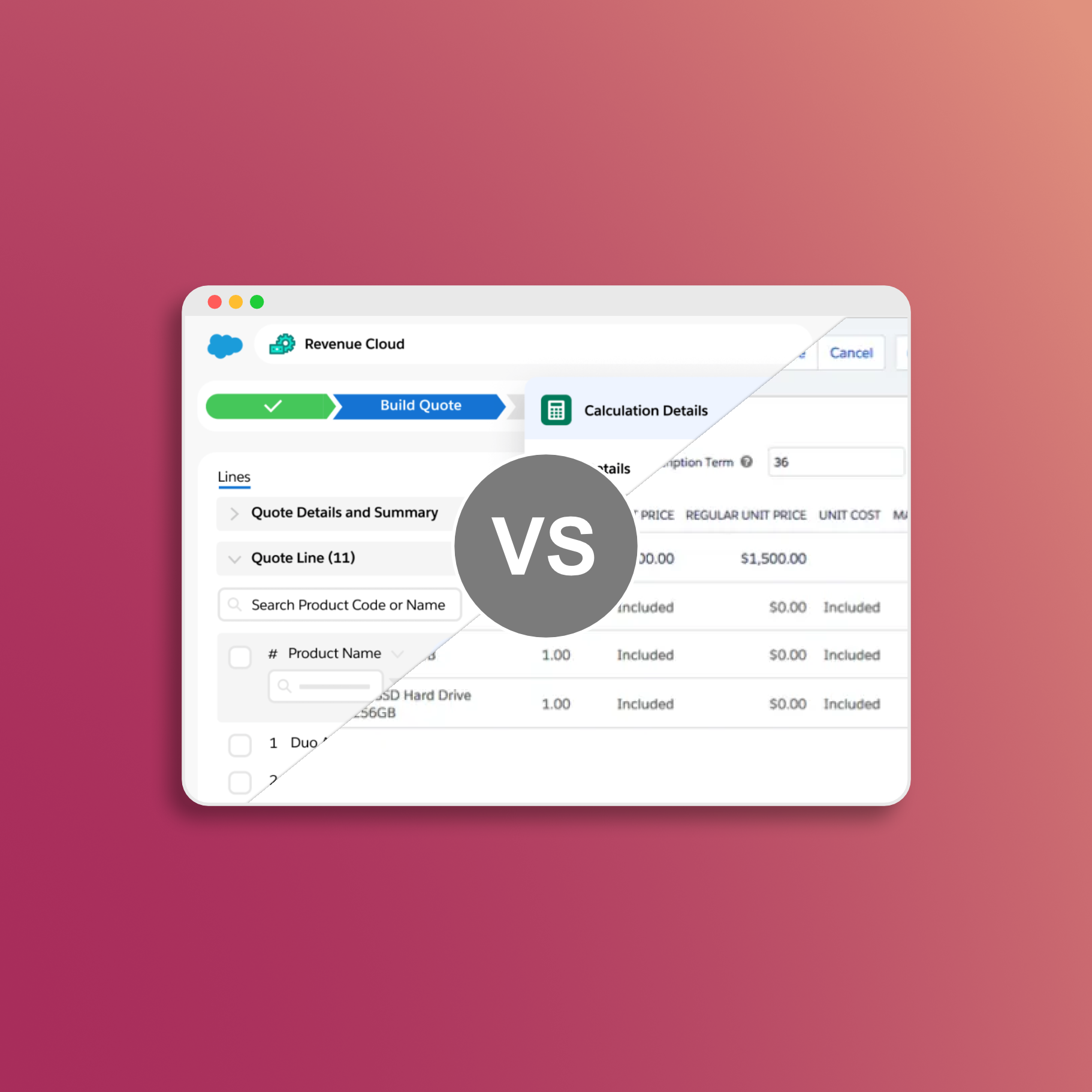
- Comparing Salesforce CPQ and Revenue Cloud - see how CLM coverage compares between the two platforms
Revenue Cloud has the pricing engine. What it's missing: professional PDF templates, hosted quote links, and buyer acceptance tracking. SilkQuote closes that gap. Free on AppExchange, no code required:
- Generate - branded PDF quotes from any Opportunity in one click
- Host and share - prospects accept or decline directly in a browser, no Salesforce account needed
- Track - every open, view, acceptance, and decline logged to the Opportunity timeline
- Sign - DocuSign and Adobe Sign integration included
Free to install. Unlimited users and quotes. Deploys same day.
Get SilkQuote free on AppExchange →