
Product Not Showing in Browse Catalogs? Step-by-Step Fix Guide
Troubleshoot why your newly created product isn't appearing in the Browse Catalogs screen in Salesforce Revenue Cloud, with a complete checklist to resolve the issue.
Your subscription to the 'Learn Revenue Cloud' newsletter is confirmed, so feel free to explore some previous posts or reach out with questions, and thanks again for joining!
Troubleshoot why your newly created product isn't appearing in the Browse Catalogs screen in Salesforce Revenue Cloud, with a complete checklist to resolve the issue.
Understand the limitations and capabilities of Salesforce Revenue Cloud trial and developer orgs. Learn what features are available, storage limits, and how to maximize your trial experience for evaluation and learning.
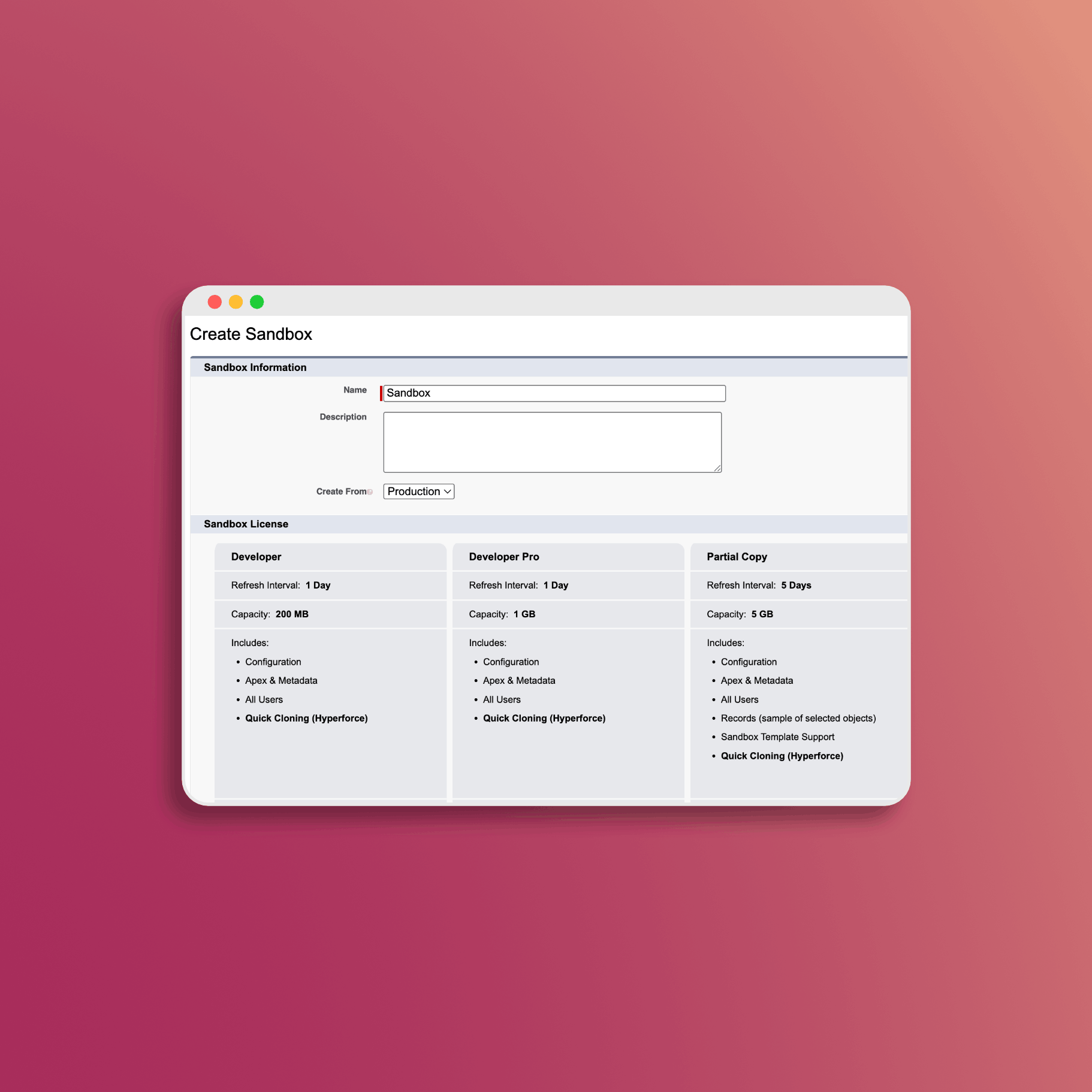
Learn how to create and use Salesforce sandboxes for Revenue Cloud testing. This guide covers sandbox types, data management strategies, and best practices for developing and testing your Revenue Cloud implementation.
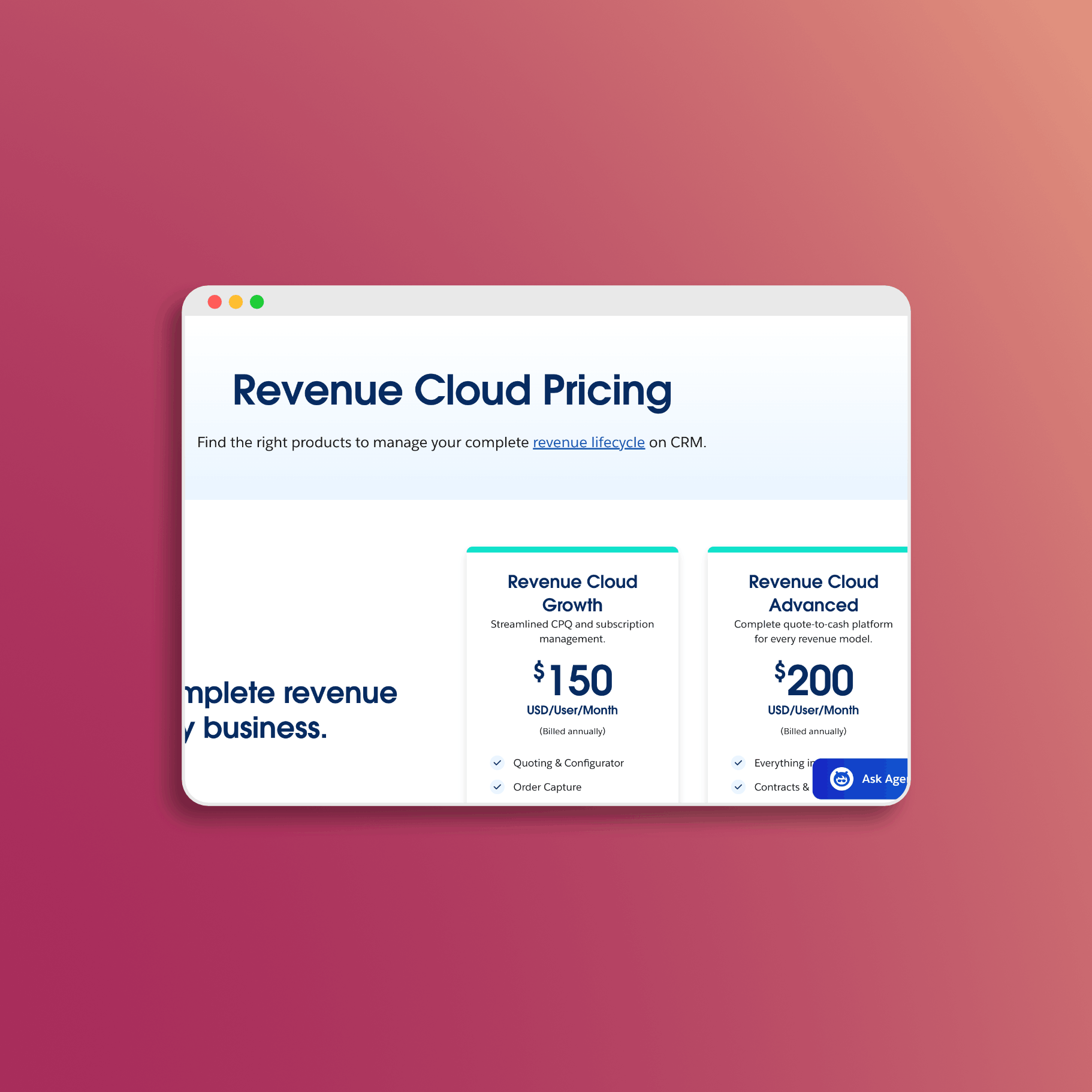
Understand Salesforce Revenue Cloud pricing, licensing models, and total cost of ownership. This guide breaks down user licenses, revenue events, implementation costs, and factors that affect your investment.
A practical guide to the skills needed for Salesforce Revenue Cloud work. Focus on what matters in real implementations, not certification checklists.
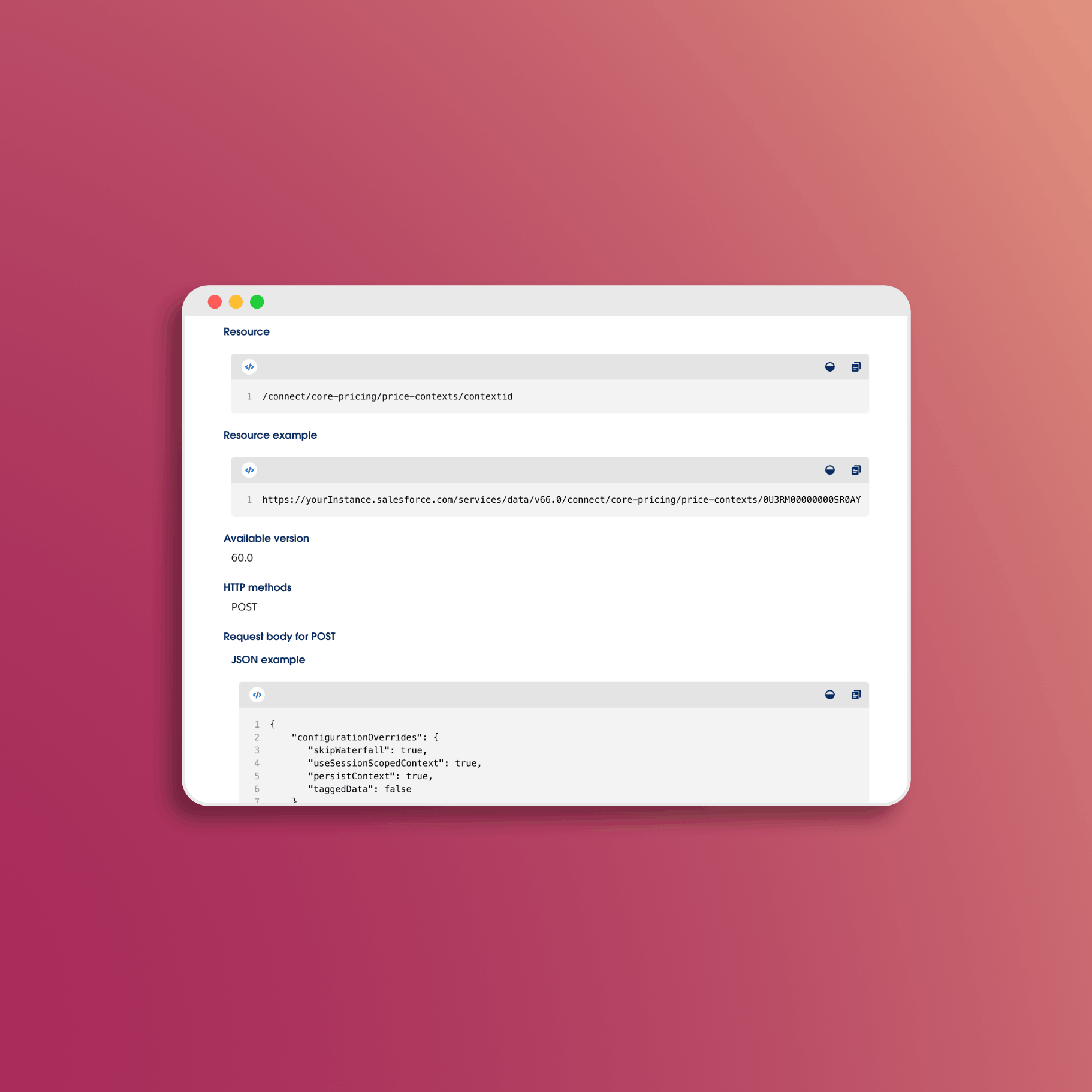
A quick guide for developers working with Salesforce Revenue Cloud APIs. Learn authentication, key endpoints, code examples, and best practices for integrating with Revenue Cloud programmatically.
Learn how to customize Salesforce RLM's Product Configurator, from modifying flows to assigning them to products, for a tailored and efficient configuration process.
Explore why the Salesforce Partner Ecosytem is so excited about the new devlopments of Revenue Lifecycle Management!
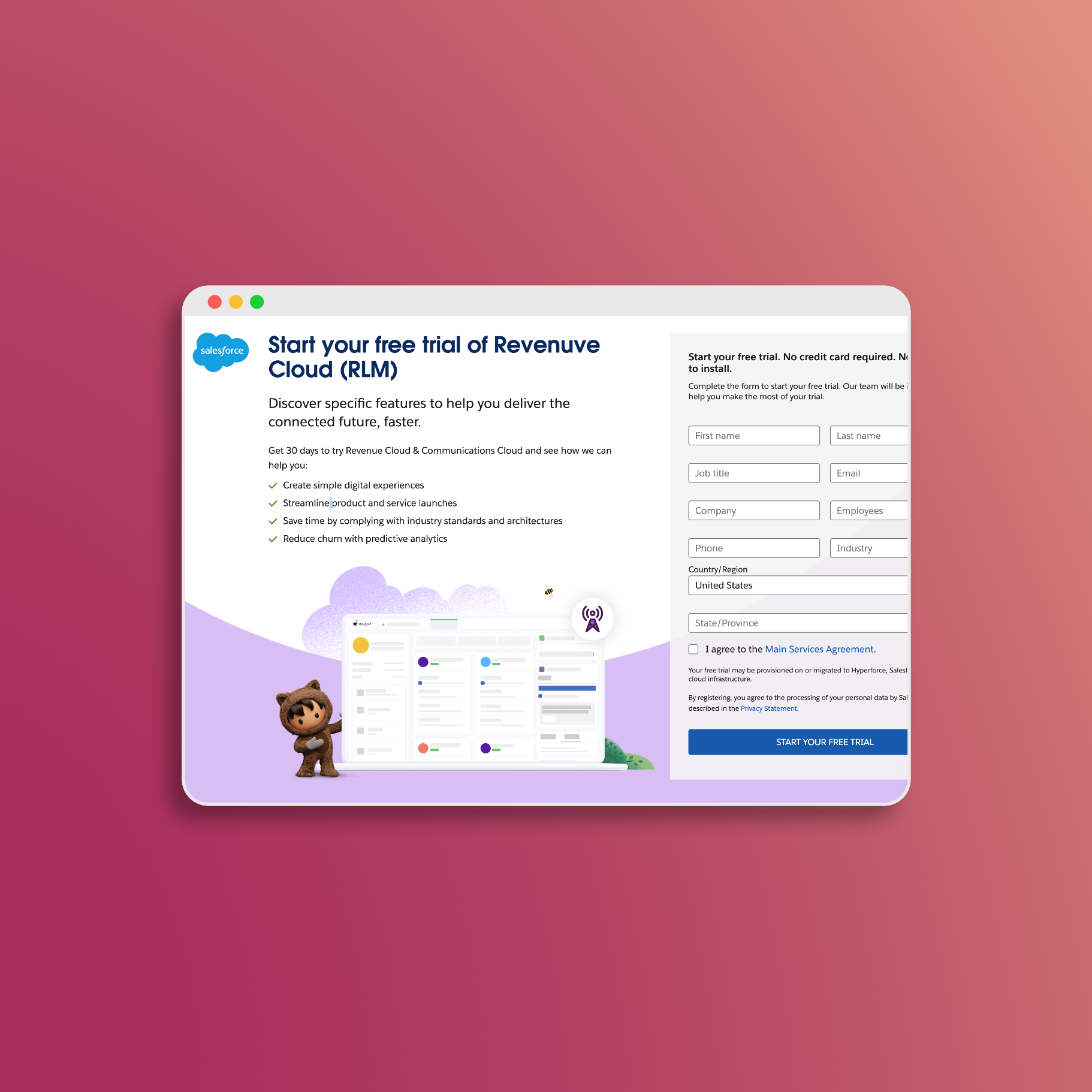
This Salesforce Revenue Cloud setup guide walks you through starting a free trial and configuring essential features like product catalogs, pricing models, and discounting structures. Follow these steps to explore Revenue Cloud’s powerful capabilities in managing revenue lifecycles and customer pricing.
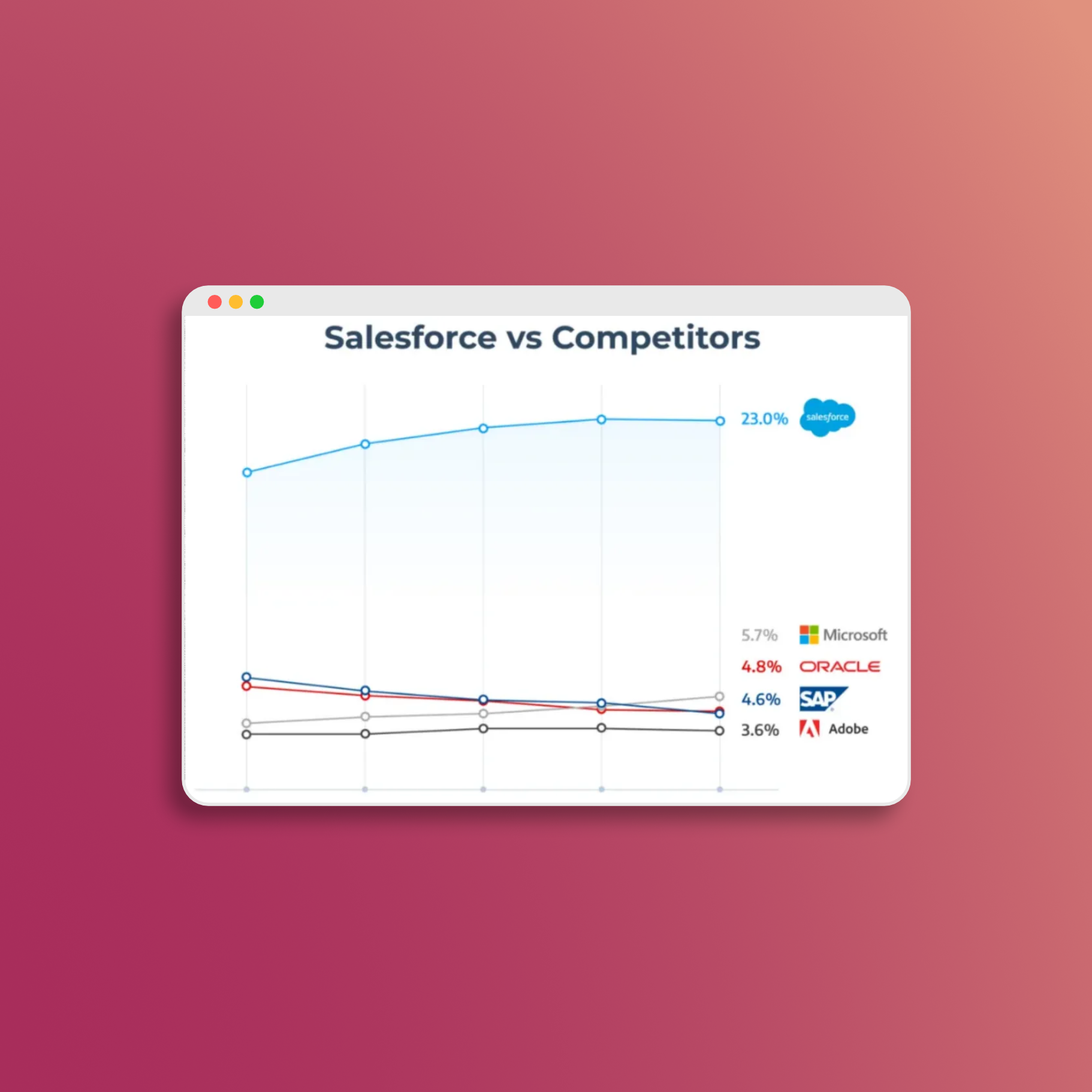
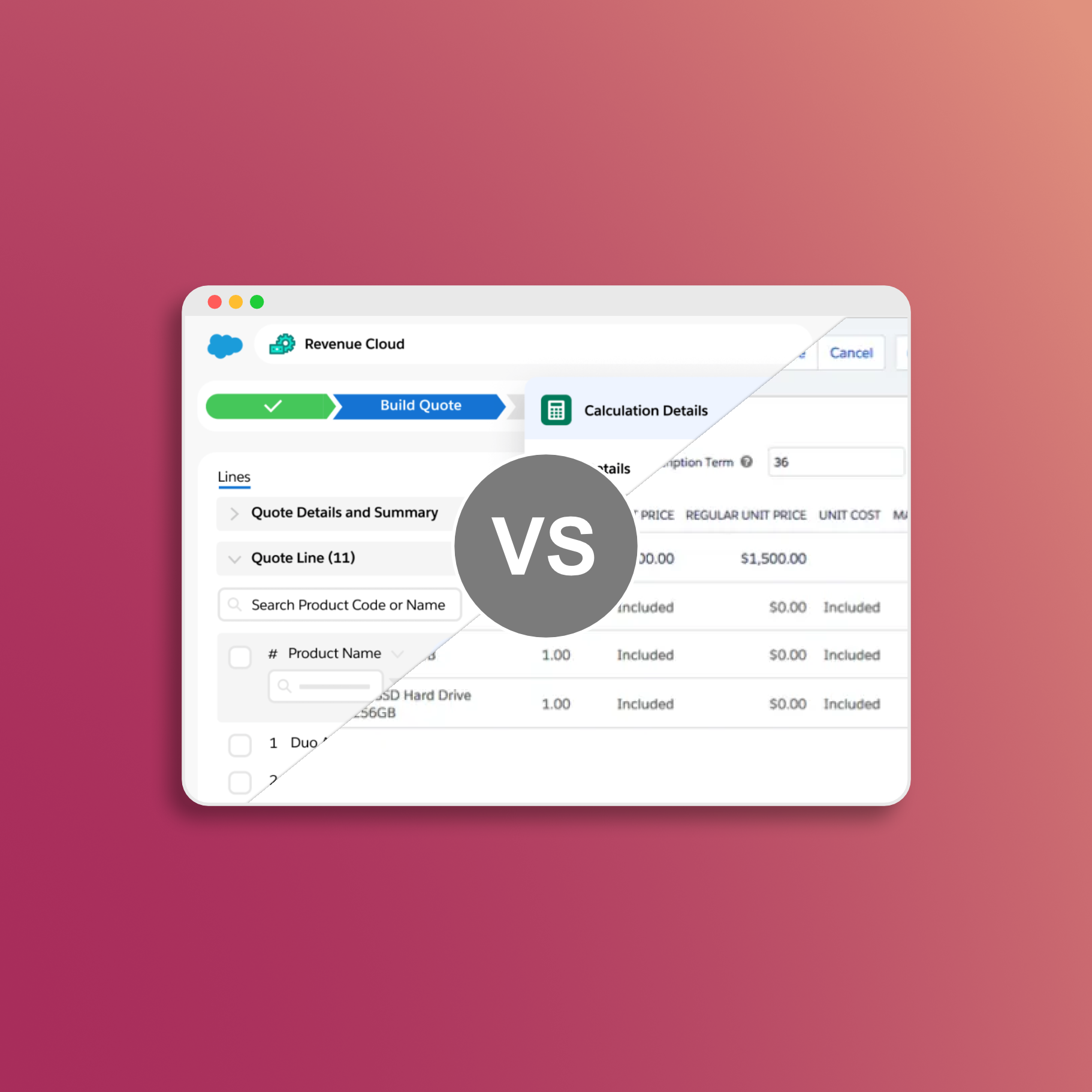
This article delves into a comprehensive comparison of the distinct features offered by Salesforce CPQ (Configure, Price, Quote) and the innovative Revenue Cloud. Discover how these two powerful solutions differ in functionality, integration capabilities, and overall impact on revenue management and sales processes.
Learn the essentials of setting up a product in Salesforce Revenue Cloud. This guide takes you step by step through creating attribute picklists, assigning them to attributes, and organizing them into categories. We'll also cover how to build a product catalog with the necessary categories and product classifications, setting up your product management.
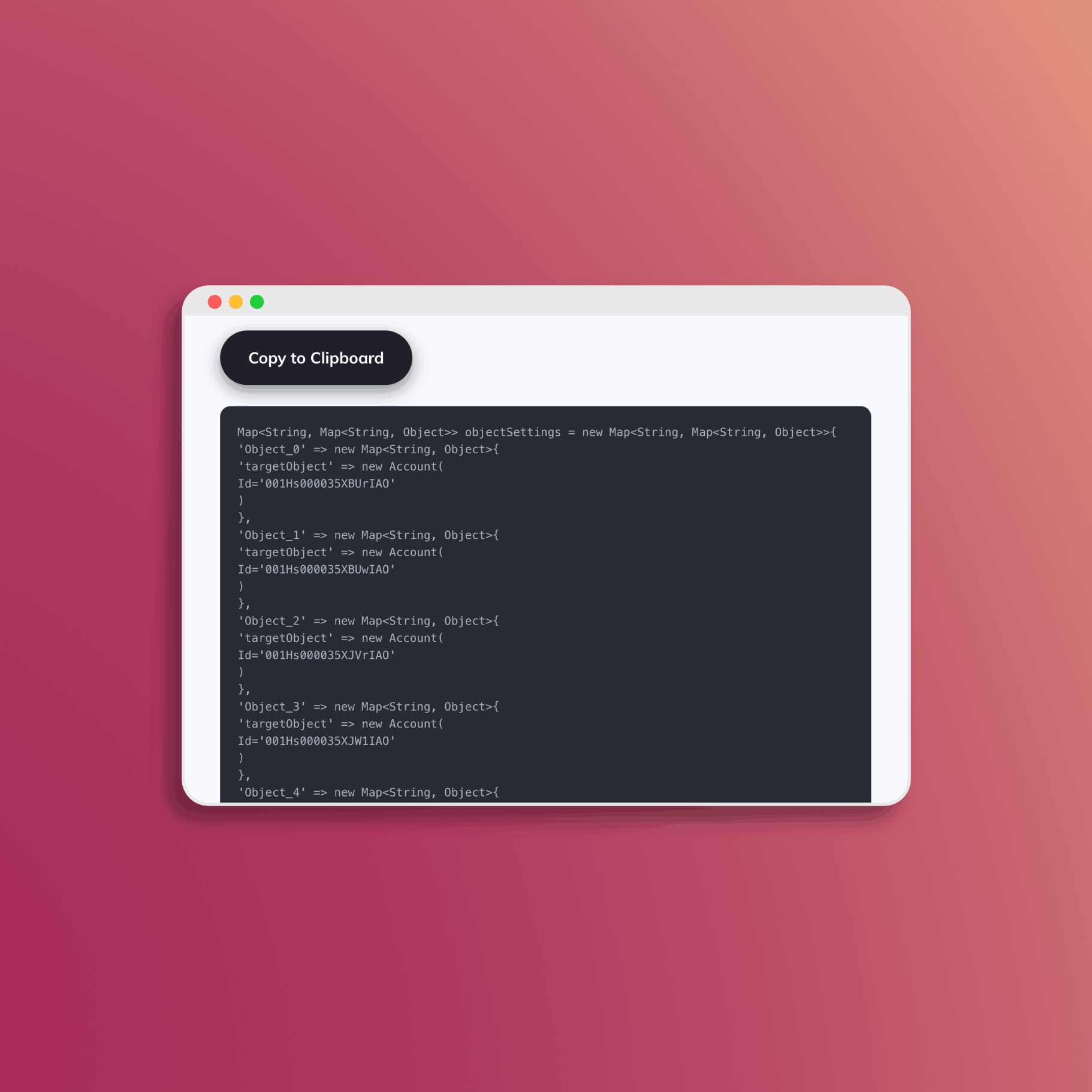
This tool allows you to create a reusable data deployment script using anonymous apex. Follow these steps to create your script.
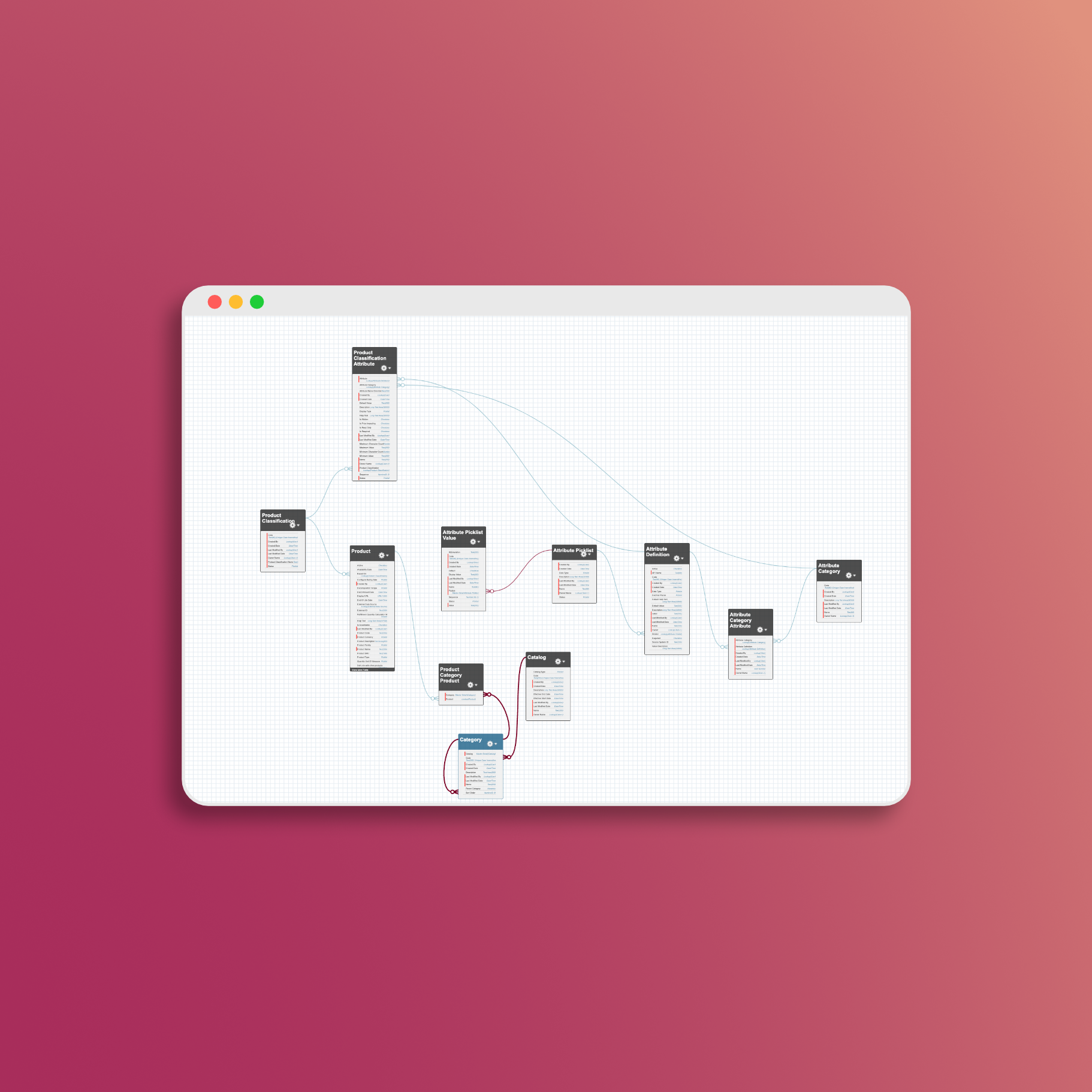
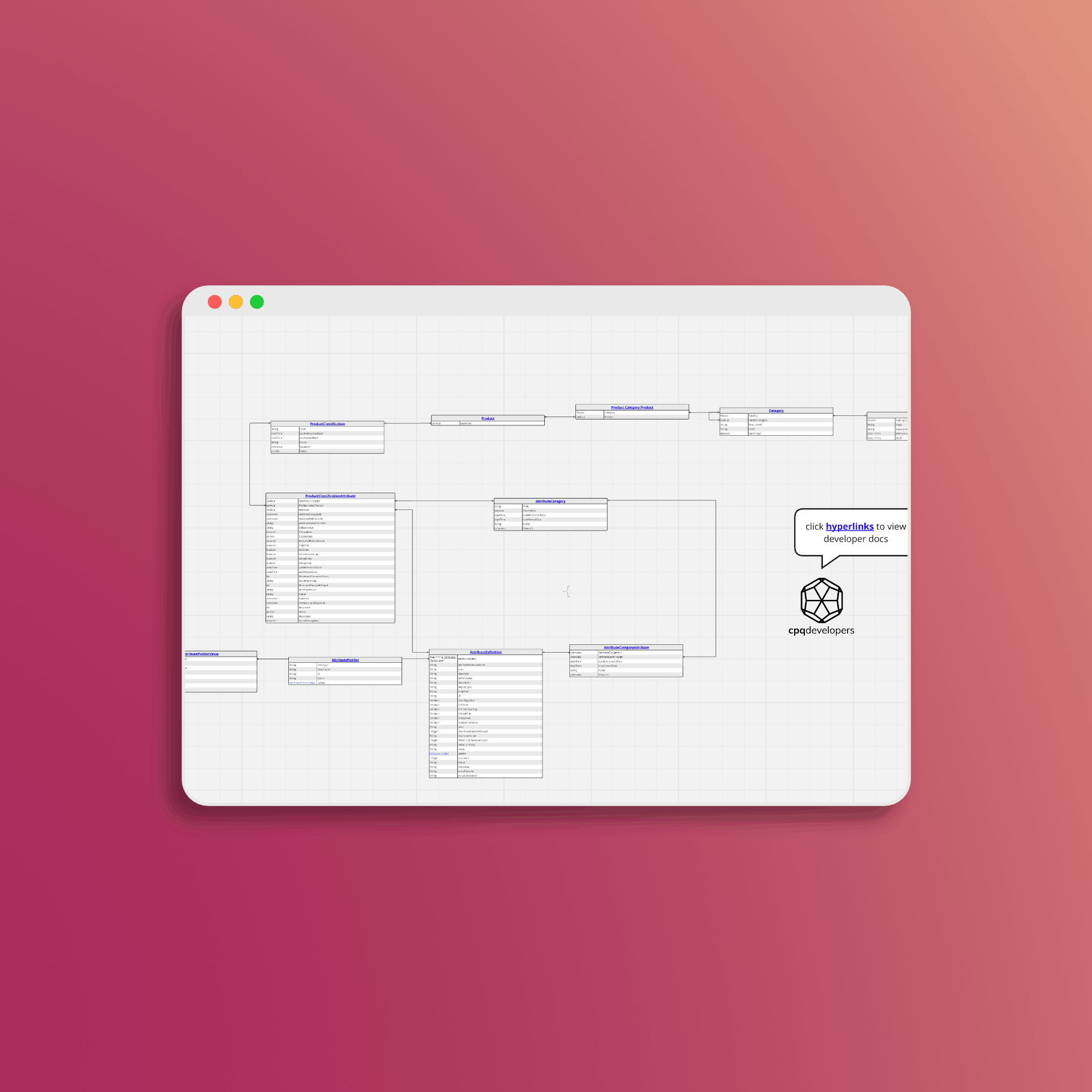
This interactive diagram shows the data model for Salesforce Revenue Cloud. The architecture differs significantly from legacy CPQ, with a focus on product catalogs, attributes, and the new pricing framework.connect in the new architecture.